
EBICS: your bank, directly in your accounting
EBICS is the channel Swiss banks use to deliver account movements to software. With YESbusiness there is nobody between your bank and your accounting: every morning, yesterday's statement arrives on its own and your entries are prepared for you. Here is what it is, how it works, what it does and what it does not do.
In short
- 1EBICS is the standard channel between Swiss banks and software. Your bank opens it, on your contract.
- 2YESbusiness connects to your bank's EBICS server itself. No intermediary, no third-party platform, never your e-banking login.
- 3Every morning, yesterday's statement arrives and your transactions are ready to book, with automatic rules.
- 4The channel is used read-only, once a day: no payment orders from YESbusiness, no real time.
- 5Your bank has no EBICS (Revolut, Yuh)? Importing the file exported from its app takes over. Wise, which has no EBICS either, has its own direct connection.
Contents
What is EBICS?
EBICS (Electronic Banking Internet Communication Standard) is the protocol Swiss and German banks use to exchange banking data with companies and their software. It is a banking standard, not a product: it is defined by the banks, governed by a company the banking communities own jointly, and every bank that offers it runs its own EBICS server. In Switzerland it has been the channel of fiduciaries, treasury software and larger companies for over fifteen years.
In practice, an EBICS connection is an access in your name, opened by your bank on your contract, protected by cryptographic keys rather than a password. Through it, the bank makes your account statements available in the Swiss standard format camt.053 (ISO 20022), the same file you could download from your e-banking, without you having to.
The difference from every other form of "bank sync" fits in one sentence: with EBICS, your software talks to your bank directly. There is no aggregation platform, no robot logging into your e-banking on your behalf, no third-party service that holds the access and lends it to you. That is what this guide explains in detail.
How it works with YESbusiness
Activation takes five steps. Two depend on you, one on YESbusiness, two on your bank.
- 1Ask your bank for EBICS. It is a service the bank opens on your contract, through your adviser or its corporate e-banking desk. It gives you two identifiers: a customer number (Customer ID or Partner ID) and a user identifier (User ID).
- 2Enter them in YESbusiness and generate the initialization letter. Pick your bank and enter the two identifiers. YESbusiness then generates the keys of your connection and registers them with your bank's EBICS server. The initialization letter opens: it carries the fingerprints of your public keys.
- 3Print, sign and send the letter to your bank. Your signature is what authorizes the bank to activate the access. The letter contains no secret: only the fingerprints the bank compares with what it received electronically.
- 4The bank checks and activates the access. Allow a few business days depending on the bank. On activation, YESbusiness fetches the bank's public keys, verifies their fingerprints, then runs the first download.
- 5The connection is live. The bank sends the IBANs of your accounts with the first download; you link each one to a cash account in your chart of accounts. From there, everything is automatic.
Every morning, YESbusiness fetches yesterday's camt.053 statement from your bank's server and imports it by the same path as a file uploaded by hand: the movements appear in your banking view in YESbusiness, booking rules apply, paid invoices are matched, and all that is left for you are the cases the software could not settle.
Nobody between your bank and your software
Most "bank connections" on the market go through a third party. Either an aggregation platform, which holds the access to your bank and resells it to the software; or a robot that logs into your e-banking with your own credentials and copies what it finds. In both cases, someone else sees your data on the way, someone else decides how fresh your movements are, and someone else can cut off or re-price the connection.
YESbusiness does neither. The software carries its own EBICS client: it is what generates your keys, announces itself to your bank's EBICS server, verifies the bank's keys and downloads your statements. Your data travels from your bank's server to YESbusiness's server, encrypted end to end with the keys of your connection, with no stop on the way.
This architecture is not a technical detail. It is what makes your connection depend on no contract you did not sign, keeps your identifiers out of any third party's hands, and leaves the relationship what it has always been: you, your bank, and the software you chose.
Four ways to get bank movements into software
The table compares mechanisms, not vendors. Before choosing software, ask which one it uses for your bank: the answer is rarely written on the product page.
| The question to ask | Direct EBICS (YESbusiness) | Aggregation platform | camt.053 file by hand | Robot on your e-banking |
|---|---|---|---|---|
| Who holds the access to your bank? | You. The bank opens an access in your name, with keys specific to your connection. | The platform, which holds the access and lends it to the software. | You, through your e-banking. | The robot, with your e-banking username and password. |
| Who sees your data on the way? | Nobody. YESbusiness's server talks to your bank's EBICS server. | The platform, which receives your data and passes it on. | Nobody, but you carry it yourself. | The service logging in on your behalf. |
| How fresh the movements are | Every morning, yesterday's statement. | Depends on the platform. | Whenever you remember. | Depends on the service, and breaks with every e-banking change. |
| If a third party changes its terms | There is none. The connection holds as long as your bank contract exists. | The connection can be cut, limited or re-priced. | Not applicable. | The connection breaks, often without notice. |
| Your effort each month | None. | None, as long as it works. | Download and import every statement, for every account. | None, as long as it works. |
A simple way to know what you are dealing with: if software asks for your e-banking username and password to "connect your bank", it is not EBICS. EBICS never asks for your login: it rests on keys and on a signed letter your bank verifies.
What you get
Once the connection is live, this is what happens without you.
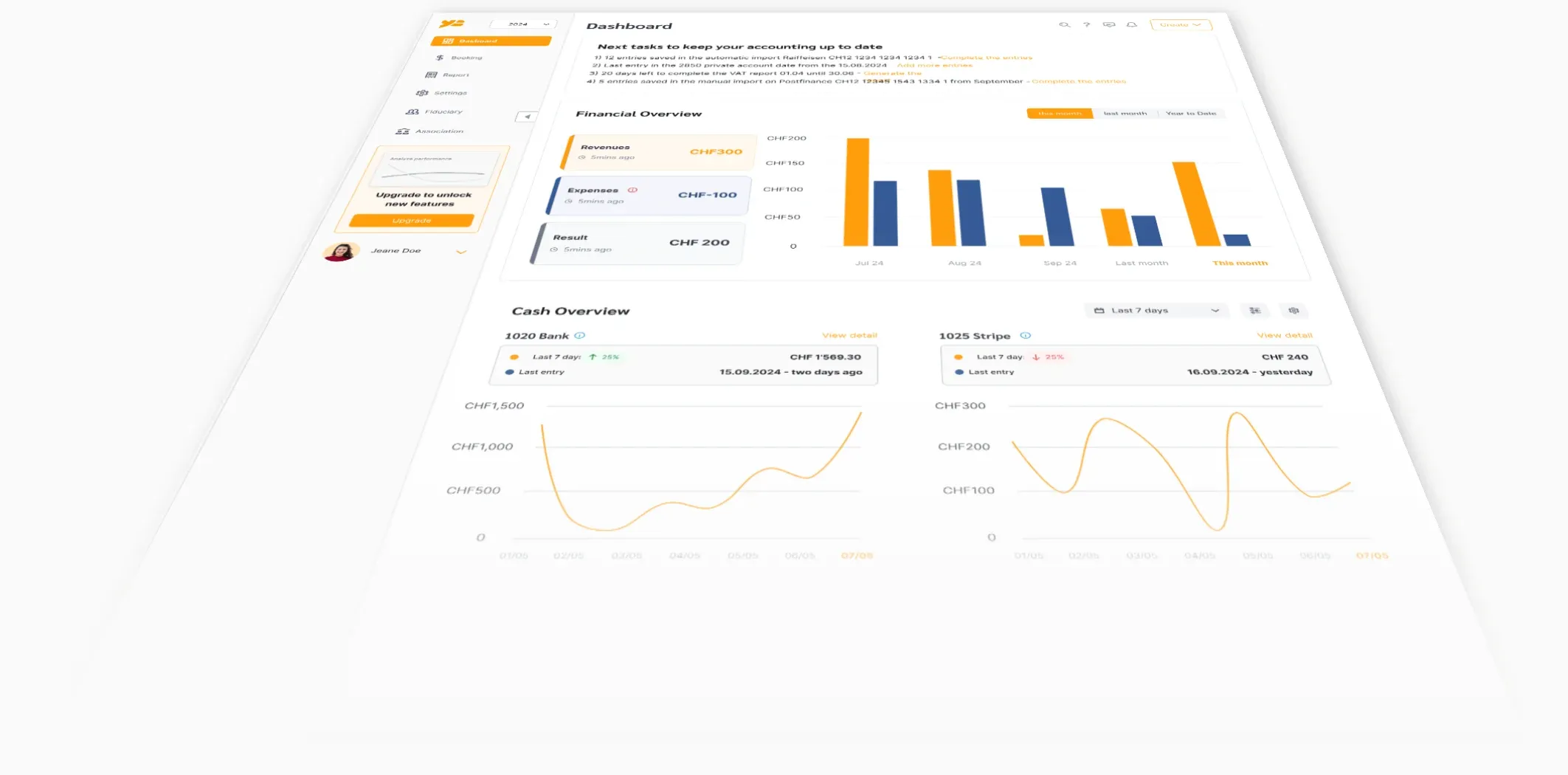
- Your movements every morning. Yesterday's camt.053 statement is downloaded and imported automatically. Nothing to download, nothing to upload.
- Your accounts, recognized by the bank. The bank itself sends the IBANs covered by the access. You link each one to a cash account, once.
- Several accounts, several banks. Each bank has its own EBICS connection; a company can have as many as it has banks, and each connection can cover several accounts.
- The same automatic booking as an imported file. Booking rules, matching against issued invoices, account suggestions: the EBICS statement follows exactly the same path as a file uploaded by hand.
- A history with no gaps. Each statement carries a sequence number and a closing balance; YESbusiness checks the continuity and flags a missing statement rather than leaving a hole in your balances.
- The file stays available. A failed import can be re-run; the original statement is kept and can be consulted in the list of imported files.
What it does not do
These are the limits of the channel as YESbusiness uses it today. Better to know them before signing the letter.
- No payment orders. YESbusiness uses EBICS to read your statements, not to send payments. Your transfers are made in your e-banking, as today.
- Daily, not real time. The channel delivers the end-of-day statement (camt.053) of the previous business day. A movement from this morning appears tomorrow morning.
- The bank opens the channel. EBICS is requested from your bank, not from YESbusiness. Most Swiss banks open it free of charge for business customers; a few charge for it. One call to your adviser is enough to find out.
- A few days to activate. Between sending the signed letter and the bank's activation, allow a few business days as a rule. Files imported by hand remain possible in the meantime.
- No neobanks. Revolut, Wise, Yuh and most neobanks do not offer EBICS. Wise has its own direct connection in YESbusiness; for the others, importing the file exported from their app takes over.
The banks
EBICS is opened by the bank, not by the software: so the list is not ours, it is the list of Swiss banks that offer the channel. Here are the main ones, those our customers connect most often:
National banks
German-speaking Switzerland
- Valiant
- BEKB
- AKB
- acrevis
- AEK Bank
- Alpha RHEINTAL Bank
- AppKB
- Bank BSU
- Bank EEK
- Bank EKI
- Bank SLM
- Bank Thalwil
- BLKB
- BKB
- BBO Bank
- Bernerland Bank
- Bezirks-Sparkasse Dielsdorf
- Clientis Bank Toggenburg
- Clientis Entlebucher Bank
- GKB
- GRB
- Hypothekarbank Lenzburg
- Hypo Vorarlberg
- LLB
- Lienhardt & Partner
- LUKB
- Regiobank Solothurn
- SGKB
- Saanen Bank
- SZKB
- SLB Bucheggberg
- SLR Riggisberg
- TKB
- UKB
- VP Bank
- Zuger KB
- ZKB
Ticino
- and all other Swiss banks that offer EBICS
Each linked bank has its own page: how to request EBICS there, the lead time and what YESbusiness fetches. The others follow, one a day.
Your bank is not named? Simply ask whether it offers EBICS to business customers: the large majority of cantonal, regional and Raiffeisen banks do. If the answer is yes, YESbusiness can connect to it.
Not yet chosen a bank or software? Our guide to Swiss accounting software devotes a whole section to the bank connection. Read the section on the bank connection
No EBICS at your bank?
There is still the file. Every Swiss bank provides the camt.053 statement in its e-banking, and neobanks export a file from their app. YESbusiness imports those files, one at a time or in a batch, and the accounting result is the same as with EBICS: only the handling is yours.
For the most common cases, our free tools do the conversion before the import:
Wise is the exception: it connects directly to YESbusiness with a read-only token, and your movements arrive every day with no file to export. If you prefer the file, the CAMT.053 statement exported from Wise imports as it is. How to connect Wise to YESbusiness
Have a Wise account? The dedicated guide explains how to keep one account per currency and book conversions, fees and exchange differences. Swiss accounting with Wise
Security
EBICS was designed by banks for banks. Here is how YESbusiness applies it.
- Keys specific to each connection. On creation, YESbusiness generates a key set (signature, authentication, encryption) reserved for that connection. It serves nothing else.
- A letter the bank verifies. The initialization letter carries the fingerprints of your public keys. The bank compares them with what it received electronically before activating anything; your signature is the authorization.
- The bank's keys verified in turn. After activation, YESbusiness fetches the bank's public keys and checks their fingerprints before the first download.
- Encrypted storage, never in the browser. Your keys are stored encrypted on the server side. Neither the passphrase nor the keys are sent to your browser or to any third party.
- Never your e-banking login, never a write. YESbusiness does not know your e-banking credentials and sends no payment order over EBICS. The channel is used read-only.
What it costs
The EBICS connection is included in the YESbusiness subscription, with no surcharge per bank or per account:
- Accounting without VAT — CHF 12.90 per month
- Accounting with VAT — CHF 19.90 per month
On the bank side, EBICS is usually free: it is a standard service of the business contract, which most Swiss banks open at no charge. A few charge a setup fee or a flat rate; ask yours. The YESbusiness trial is free for two weeks.
Frequently asked questions
What is EBICS, in one sentence?
EBICS is the standard through which Swiss and German banks deliver banking data to companies' software: an access in your name, opened by your bank, protected by keys rather than a password.
Does my bank offer EBICS?
The large majority of Swiss banks offer it to business customers: UBS, PostFinance, Raiffeisen, the cantonal banks, Migros Bank, Valiant, Bank Cler, Swissquote and many others. Neobanks (Revolut, Wise, Yuh) do not; Wise has its own direct connection in YESbusiness. If in doubt, the question to ask your bank is: "do you offer EBICS access for businesses?"
How much does EBICS cost?
On the YESbusiness side, nothing beyond the subscription: the connection is included. On the bank side, EBICS is usually free: most Swiss banks open it at no charge on the business contract. A few charge a setup fee or a monthly flat rate; one call to your adviser is enough to find out.
How long does activation take?
The YESbusiness part takes a few minutes: pick the bank, enter the identifiers, print the letter. The bank then activates the access on receipt of the signed letter, usually within a few business days. The first download follows automatically.
Can I pay my invoices from YESbusiness over EBICS?
No. YESbusiness uses EBICS to read your statements, not to send payment orders. Your transfers continue to be made in your e-banking.
Do movements arrive in real time?
No. The channel delivers, every morning, the end-of-day statement (camt.053) of the previous business day. That is the rhythm of accounting, not of a payment app.
Can I connect several banks or several accounts?
Yes. Each bank has its own EBICS connection, and one connection can cover several accounts at the same bank. Each IBAN is linked to a cash account in your chart of accounts.
What about Revolut, Wise or Yuh?
These neobanks do not offer EBICS. Wise still connects directly: you create a read-only API token in Wise, paste it into YESbusiness, and your Wise movements arrive every day, one currency per account. For Revolut and Yuh you export the file from their app and import it into YESbusiness; our free tools convert a multi-currency Revolut export to camt.053 if needed.
Do I have to give YESbusiness my e-banking login?
Never. EBICS does not work with your e-banking login but with a dedicated access the bank opens in your name and keys generated for your connection. If software asks for your e-banking password to "connect your bank", it is not EBICS.
What is in the initialization letter?
The date, the bank's name, your two EBICS identifiers and the fingerprints of your public keys. No secret is on it: the bank uses it to verify that the keys it received electronically are really yours, and your signature authorizes it to activate the access.
YESbusiness is Swiss accounting, the EBICS bank connection and VAT returns from CHF 12.90 per month. Two-week free trial.
Try YESbusiness