

Connect Wise to your Swiss accounting
Try the Tool You Won't Abandon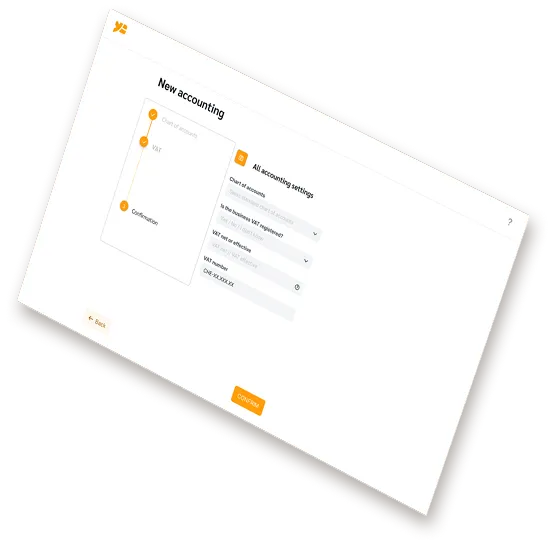
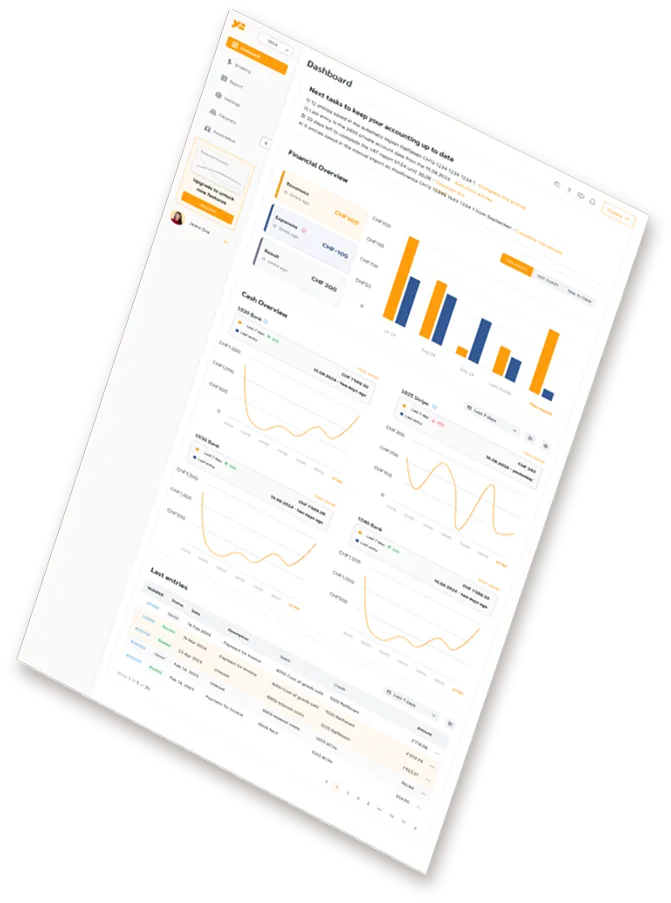
Wise is where many Swiss freelancers and SMEs keep their euros, dollars and pounds. Wise offers no EBICS, so until now its movements only reached the books through a file exported by hand. YESbusiness now reads your Wise account directly: every completed movement arrives in your accounting each day, with no export, through a token that can only read.
The connection takes a few minutes and is done once.
YESbusiness rebuilds a statement line for every movement on the balances you track, with the details Wise provides:
Only completed movements are imported. A transfer still in progress waits: it arrives as soon as Wise has completed it.
The token you create can read your Wise account, and nothing else.
Each Wise balance you track is booked to its own cash account, in its own currency: the EUR balance to a EUR account, the USD balance to a USD account. Currencies are never merged into one account, so each account's balance matches the one you see in Wise.
Your books are still kept in Swiss francs: each foreign-currency line keeps its original amount, and YESbusiness converts it at your company's exchange rates.
The accounting rules that go with it (year-end revaluation, exchange differences, VAT on Wise fees) are explained step by step in our guide. Swiss accounting with Wise: the guide
If you would rather not create a token, export the statement yourself: in Wise, open Statements and reports, download the balance statement in CAMT.053 format, then upload it in YESbusiness under Banking. It is the same import as any Swiss bank file, just not automatic.
For your accounts at a Swiss bank, the direct connection goes through EBICS: see how the EBICS bank connection works
Both. A token sees every profile on your Wise login, personal and business; you choose the balances to track, profile by profile.
Every currency your Wise account holds. Each balance you track becomes a cash account in its currency; the ones you leave aside stay listed so you can add them later.
You choose the start date when you track a balance. Left empty, YESbusiness imports the last 90 days, then keeps up every day.
It waits. Only completed movements are imported: a transfer in progress arrives with the first import after Wise completes it.
The import stops and YESbusiness tells you that Wise refuses the token. Everything already imported stays in your books. To resume, delete the connection and paste a new token.
No. Like EBICS, Stripe and file import, the Wise connection is included in both YESbusiness plans. The Wise API token itself is free.
Create your YESbusiness account, connect Wise in a few minutes and stop exporting statements.
Try YESbusiness for free