

Guide to Creating Your YESbusiness Account
To create an account, visit yesbusiness.ch, sign up and configure the categories (accounting accounts).
To create an account, visit yesbusiness.ch, sign up and configure the categories (accounting accounts).
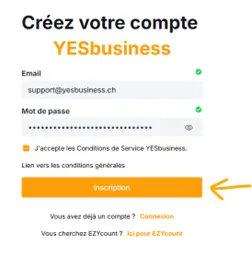
Create your account with your email address and a new password.
Create your account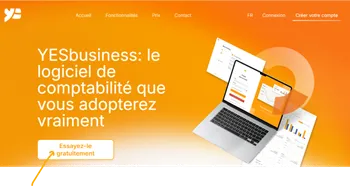
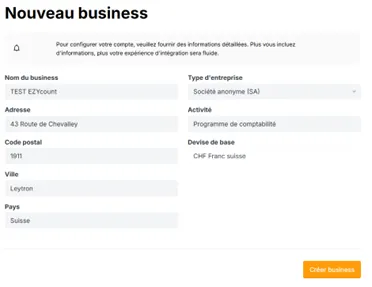
Enter the details about your business activity.
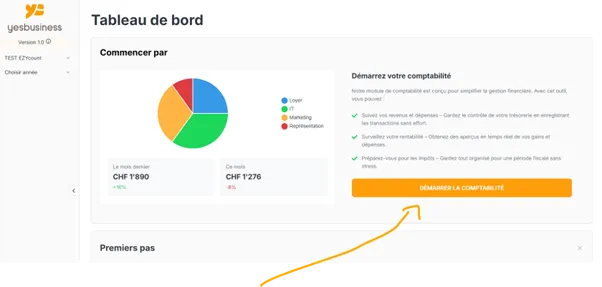
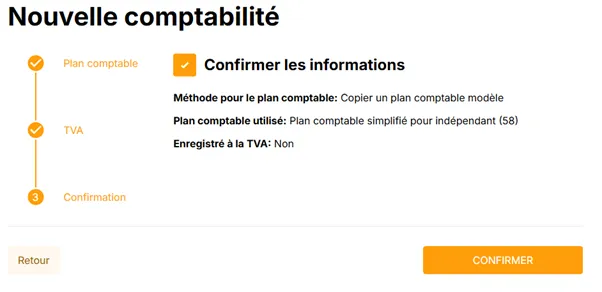
Configure the basic settings for your accounting system.
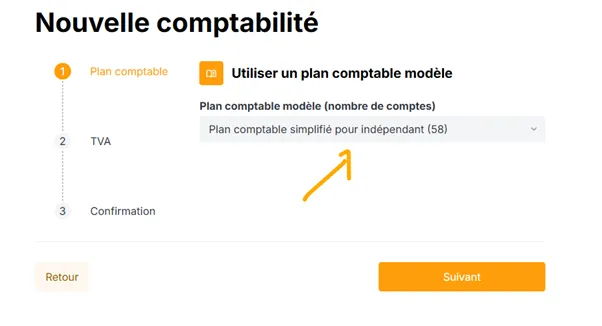
Select a model to have an appropriate chart of accounts structure.
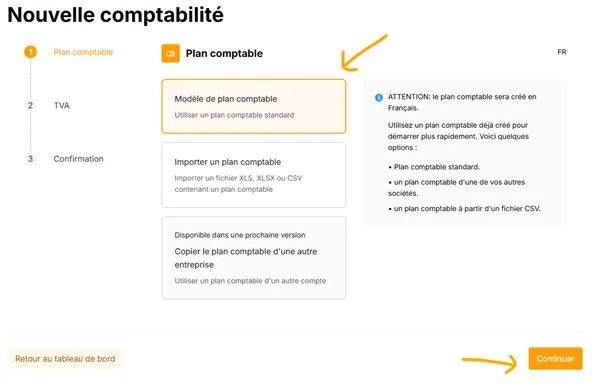
This chart is very similar to EZYcount's chart of accounts, making your transition easier.
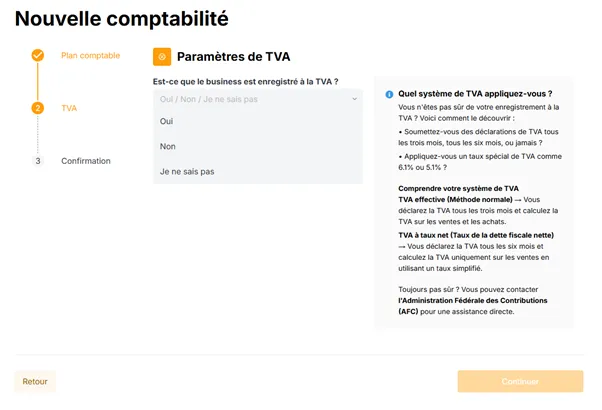
Indicate whether you are registered for VAT.
Not sure?
Find this information in EZYcount under Settings → Company Details → VAT section (at the bottom).
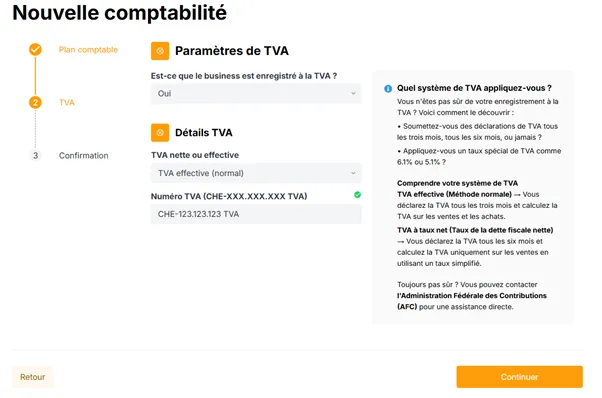
If you choose with VAT, you will need to enter the method and VAT code. You can find this information in EZYcount, or contact support@yesbusiness.ch for assistance.
Review and validate all your accounting settings.
If you have an EZYcount license, send an email to support@yesbusiness.ch with your new account name and old account name (including email address).
Don't worry:
You won't lose access to EZYcount. The subscription is simply added to YESbusiness.
In the chart of accounts, you have groups that can contain other groups or accounts. You can only post entries to accounts.
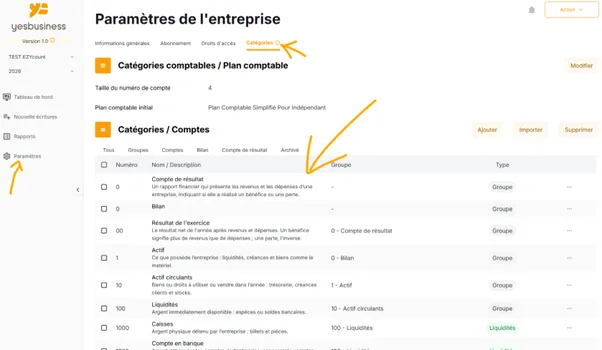
Each group or account has a number, a name, a description, a parent group, and a type. The type is used to generate reports such as the balance sheet and income statement.
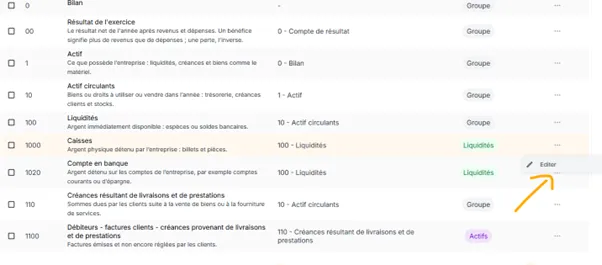
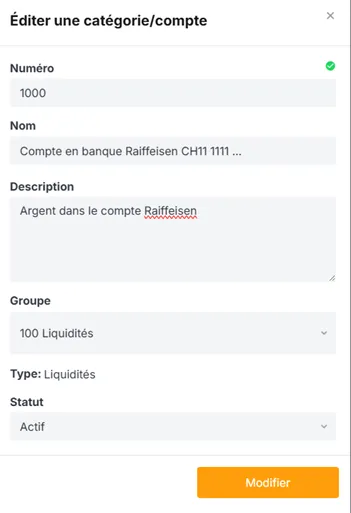
We recommend not deleting all accounts to recreate them. It's much faster to modify existing names than to start from scratch.
If you are subject to VAT, you can set a default VAT code for each account that needs to calculate VAT: sales, purchases, expenses, and investments.
The account type can only be selected when creating an account. It defines its role in your accounting:
Need Help?
Our team is here to support you. Don't hesitate to contact us at support@yesbusiness.ch if you have any questions during your account setup.